

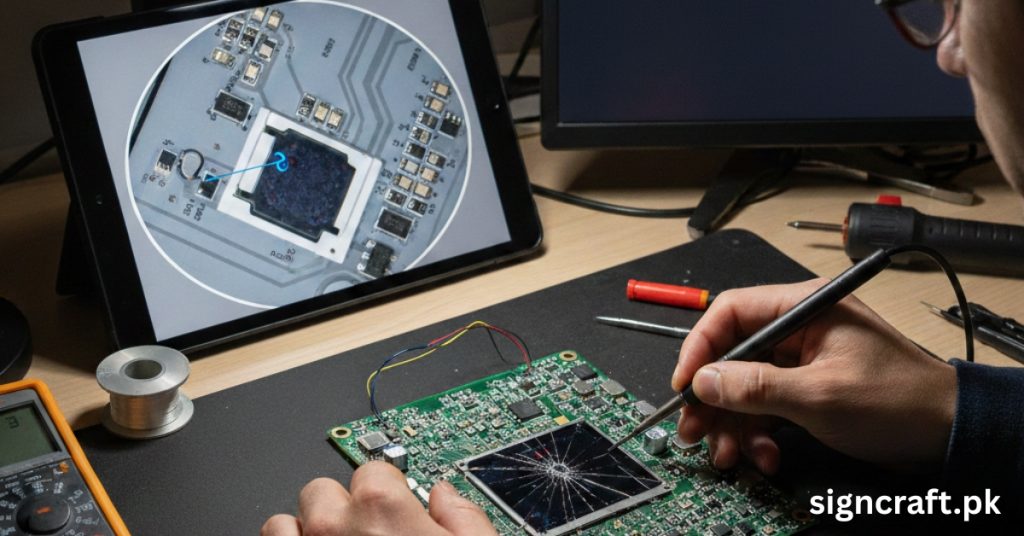
🛠️ Troubleshooting Common SMD Screen Issues
📋 Quick navigation
🧾 Understanding SMD screen basics
SMD screens, known for their high‑resolution displays and vibrant colors, power everything from indoor digital signage to outdoor billboards in Pakistan. However, like any advanced LED technology, they can encounter glitches from power surges, environmental factors, or wear. This step‑by‑step guide helps you diagnose and fix issues efficiently, minimizing downtime.
Surface‑Mounted Device (SMD) screens mount tiny RGB LEDs directly on circuit boards, delivering seamless visuals with wide viewing angles. Common in advertising and events, they face Pakistan‑specific challenges like dust, humidity, and voltage fluctuations. Regular maintenance extends lifespan beyond 100,000 hours.
Proactive troubleshooting saves costs—many issues stem from connections, software, or modules rather than total failure.
📞 Need expert help? Call or WhatsApp Sign Craft now
🔴 Issue #1: Dead or stuck pixels
Dead pixels appear as black dots (off) or colored spots (stuck on), often from manufacturing defects, heat, or physical impact. Diagnosis: Run a pixel test pattern (full red, green, blue screens) via control software. Note affected modules—isolated pixels vs. clusters indicate module failure.
| Severity | Quick Fix | Advanced Solution |
|---|---|---|
| 1-5 pixels | Massage gently with soft cloth (for stuck); software refresh | Replace LED chip (micro-soldering) |
| Cluster (>10) | Firmware reset | Swap module (e.g., 320x160mm) |
| Widespread | Power cycle (unplug 10 mins) | Professional recalibration |
Prevent with anti‑static handling and avoiding direct sunlight.
⚡ Issue #2: Screen flickering or flashing
Flickering disrupts videos, caused by loose cables, low refresh rates, or power instability—common in Pakistan's grid. Step‑by‑step: Check HDMI/DVI/power cables, verify stable 220V (use voltage stabilizer), set refresh >1920Hz in software, test source.
🎨 Issue #3: Color inconsistencies / uneven brightness
Patches of wrong colors or dim spots arise from LED aging, poor calibration, or dust. Calibrate via built‑in tools, clean vents, swap suspect module.
| Symptom | Cause | Fix Time |
|---|---|---|
| Color Shift | LED variance | 15 mins (software) |
| Dim Areas | Overheating | 30 mins (clean/replace fan) |
| Yellow Tint | Aging SMD | 1-2 hrs (module swap) |
Annual calibration prevents 80% of cases.
⚫ Issue #4: No power or black screen
Screen won't turn on? Often power‑related. Test outlet, check receiving card LEDs, verify sync software, bypass modules, replace PSU if voltage drops.
🌡️ Issue #5: Overheating and fan failure
High temps (>60°C) shorten LED life, especially outdoors in Pakistan summers. Monitor via software; ambient <40°C ideal.
| Factor | Symptom | Solution |
|---|---|---|
| Blocked Vents | Hot spots | Clean monthly; IP65 seal check |
| Fan Stopped | Noise gone, heat rise | Lubricate/replace 120mm fans |
| High Brightness | Thermal throttle | Auto‑dimming software |
💧 Issue #6: Moisture damage (outdoor screens)
Rain/humidity infiltrates seals, causing shorts. Inspect silicone seals, dry internally (fans on low, 24h), test post‑dry; use IP66‑rated screens.
📶 Issue #7: Signal loss or lines/stripes
Vertical/horizontal lines from data cable faults. Re‑route data cables away from power, update sending/receiving card firmware, check scan mode (1/8 vs. 1/16).
💻 Software and control system glitches
Outdated NovaStar/Linsn software causes hangs. Reinstall latest, backup configs, use CAT6 for >100m runs.
📅 Preventive maintenance schedule
Routine care halves failures.
| Frequency | Tasks |
|---|---|
| Daily | Visual check; clean surface |
| Weekly | Cable inspection; temp monitor |
| Monthly | Full clean; firmware update |
| Quarterly | Pixel test; brightness calibrate |
| Yearly | Module audit; seal replacement |
🏢 Indoor vs. outdoor troubleshooting differences
| Issue | Indoor Fix | Outdoor Fix |
|---|---|---|
| Dust | Vacuum crevices | High‑pressure air |
| Brightness | Software tweak | Sunlight calibration |
| Moisture | Rare | Sealant reapply |
| Power | Standard outlet | Stabilizer mandatory |
🧰 Tools you'll need for DIY fixes
- Multimeter (voltage/continuity)
- Screwdriver set, anti‑static mat
- Compressed air, isopropyl alcohol
- USB programmer for firmware
- Spare modules (keep 5‑10% stock)
👨🔧 When to call professionals
DIY limits: beyond module swaps, seek experts for PCB repairs or full audits. In Pakistan, poor fixes void warranties.
🏆 Why choose Sign Craft for SMD screen support?
Sign Craft, Pakistan's top SMD screen and LED display services provider, offers expert troubleshooting, repairs, and maintenance. Their services include: on‑site diagnostics (same‑day response), module replacements with genuine parts, custom calibration for P1.5‑P10 screens, 24/7 support for events/billboards, installation and IP65 upgrades. Trusted for durability in Lahore/Karachi installs, they minimize downtime with rapid fixes.
📌 Real‑world case studies & advanced tips
A Lahore retailer fixed flickering via Sign Craft's cable audit—back online in 2 hours. An outdoor billboard in Islamabad overcame moisture with seal resealing, saving AED 50K replacement. Advanced tips: surge protectors essential in Pakistan, software auto‑updates, humidity <80% RH, avoid 100% brightness >8hrs.
📢 Facing an SMD issue? Sign Craft is here to help